
Image Compressor
Shrink images with a live quality and resize slider — adjust and watch the file size drop.
Written by SamundraLast updated
Drag and drop files here
Supports .jpg, .png, and .webp — multiple files at once
Your images are never uploaded anywhere — everything runs on your device.
No images yet
Add images above to start compressing.
Related tools

Introduction
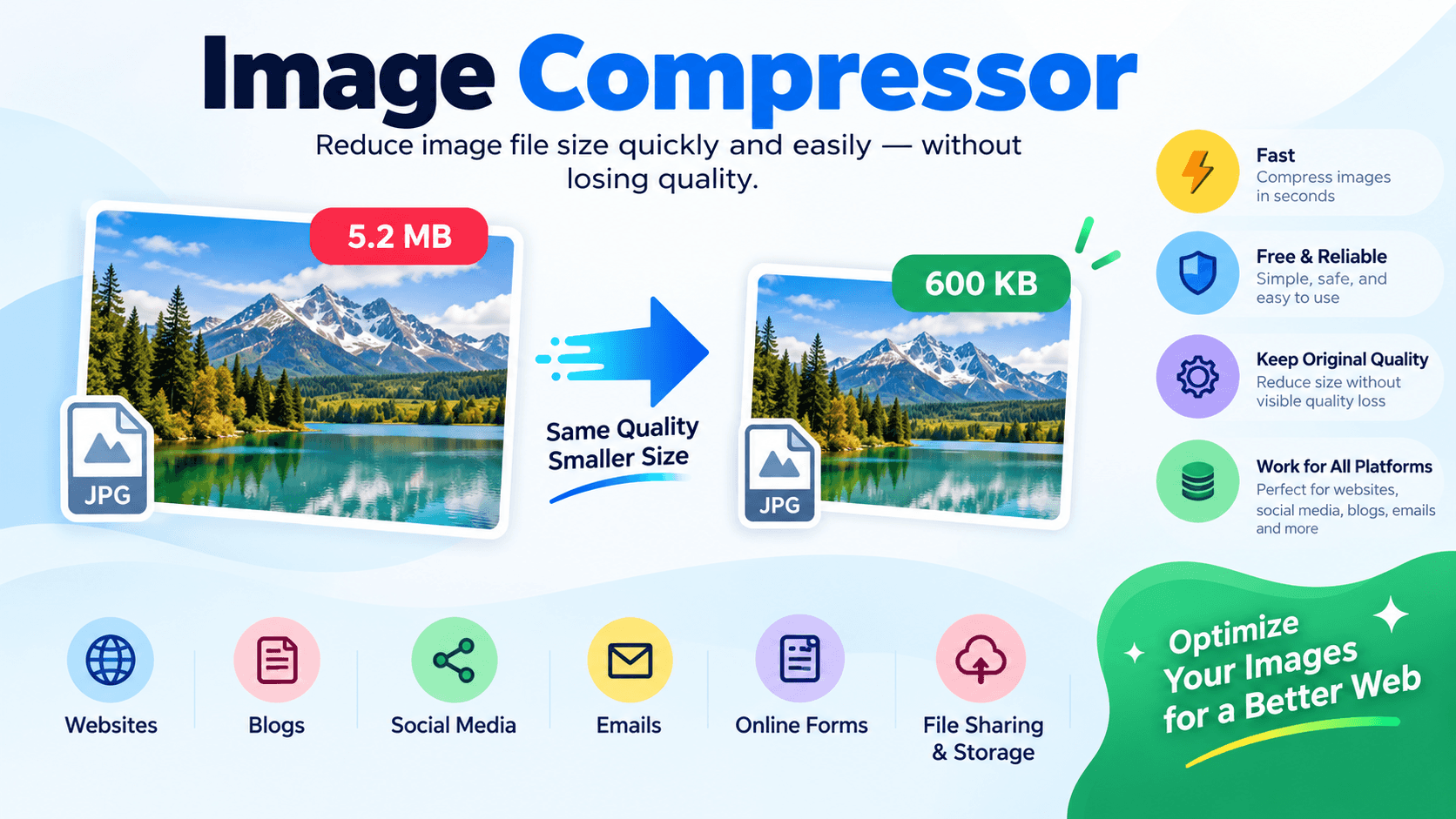
Image Compressor is a free online tool that allows you to reduce the file size of your images quickly and easily. It compresses images without significantly affecting their quality, so you can keep the original look while making the file much smaller.
In addition, Useful Tooler's Image Compressor is simple, fast, and reliable. It helps optimize images for websites, blogs, social media, emails, online forms, and many other digital platforms, making file sharing, uploading, downloading, and storage more convenient.
Why use an AI image compressor?
Image file sizes depend on many factors. Large images are difficult to download, upload, and share easily. When an image file is large, it also takes more processing time and uses more storage space.
By using an image compressor, users can easily reduce the size of an image. It does not make any difference to the image quality. We can easily use it for websites, blogs, and social media. Resizing images manually is difficult, so it is very helpful because it makes the work easy and fast.
Key features
- Processes images quickly and reduces the file size.
- Simple and easy for anyone to use.
- Maintains good image quality even after reducing the file size.
- No complicated process or technical knowledge is required.
- Useful for blogs, social media, online sharing, and other digital platforms.
- Works easily on desktops, laptops, tablets, and smartphones.
- After compression, you can easily download and use the reduced-size image.
When Should You Use an Image Compressor?
- Use image compression to reduce image file size and make files faster to process.
- Optimize website images for faster page loading.
- Compress product photos before uploading them to online stores.
- Reduce image size for email attachments.
- Prepare images for blogs, websites, and social media posts.
- Meet file-size limits for online forms and applications.
- Save storage space by reducing large image files.
- Optimize banners, thumbnails, and marketing images.
- Create smaller image files that upload, download, and share faster.
Image Compression and Quality
Image compression reduces the data in an image and stores the image with a smaller file size. The main thing to be careful about during image compression is the image quality. The quality depends on the image format and file size. If the image file is large, its quality can remain almost the same after compression. However, if the file is already small, compression may slightly affect the image quality.
If image compression is used properly, it can provide a good output without significantly affecting the original quality. It is also easy for users to use, and compressed images can be used on different platforms for sharing and storage.
Privacy and Security
We should be very careful about privacy and data security when using online tools because images may contain sensitive information related to our business or personal life. This tool keeps your files secure because it doesn't store your images, helping you keep your files private while compressing them.
Supported Files, Limits & Output
Useful Tooler's Image Compressor supports popular image formats, making it easy to compress images for various online uses.
Supported Input Formats
- JPG (.jpg)
- JPEG (.jpeg)
- PNG (.png)
- WEBP (.webp)
Output Format
- JPG (.jpg)
- JPEG (.jpeg)
- PNG (.png)
- WEBP (.webp)
Supported Devices
Image Compressor works across different devices, allowing users to easily reduce image sizes.
- Windows
- macOS
- Linux
- Android
- iOS
Not what you looking for ? Try watermark remover
How to use
Select or upload the image that you want to compress.

Choose the Compression Level
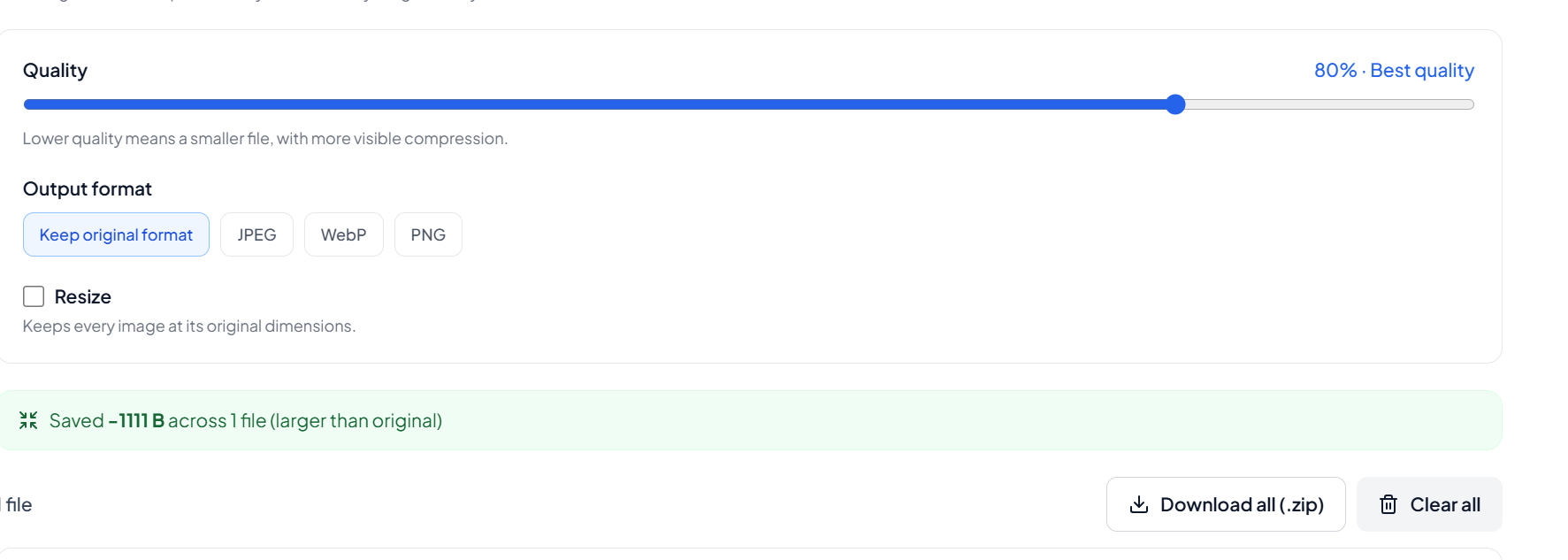
Select your preferred compression level or adjust the available settings according to the file size and quality you need.
Compress the Image
Click the Compress button and wait for the tool to process your image.
Check the Result
Check the compressed image and its reduced file size.
Download the Image
Download the compressed image to your device and use it wherever you need.
Frequently asked questions
What is an Image Compressor?
An Image Compressor reduces the file size of an image, making it easier to upload, download, store, and share.
click to compress image
Does image compression reduce image quality?
Image compression may slightly affect quality depending on the image format, original file size, and compression level. Proper compression can reduce file size while maintaining good visual quality.
Can I remove a watermark from an image?
You can use the Watermark Remover to remove supported watermarks from images when you have permission to edit the image.
click to remove watermark
How can I remove metadata from a PDF?
Use the PDF Metadata Remover to remove supported metadata from a PDF file.
click to remove supported metadata from a PDF file.
How can I extract text from a PDF?
You can use the PDF Text Extractor to extract available text from supported PDF documents.
Can I edit PDF metadata?
Yes. You can use the PDF Metadata Editor to edit supported metadata fields in a PDF document.
Last updated:
Share this tool
Know someone who'd find it useful? Send it their way.